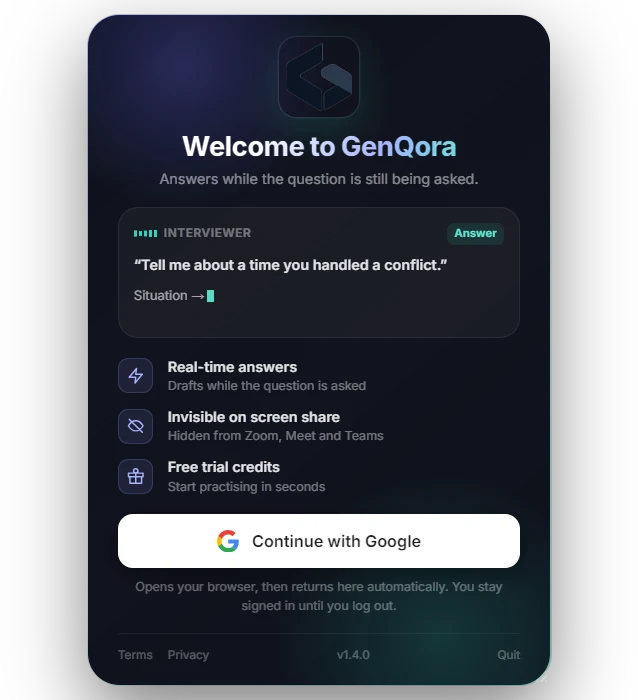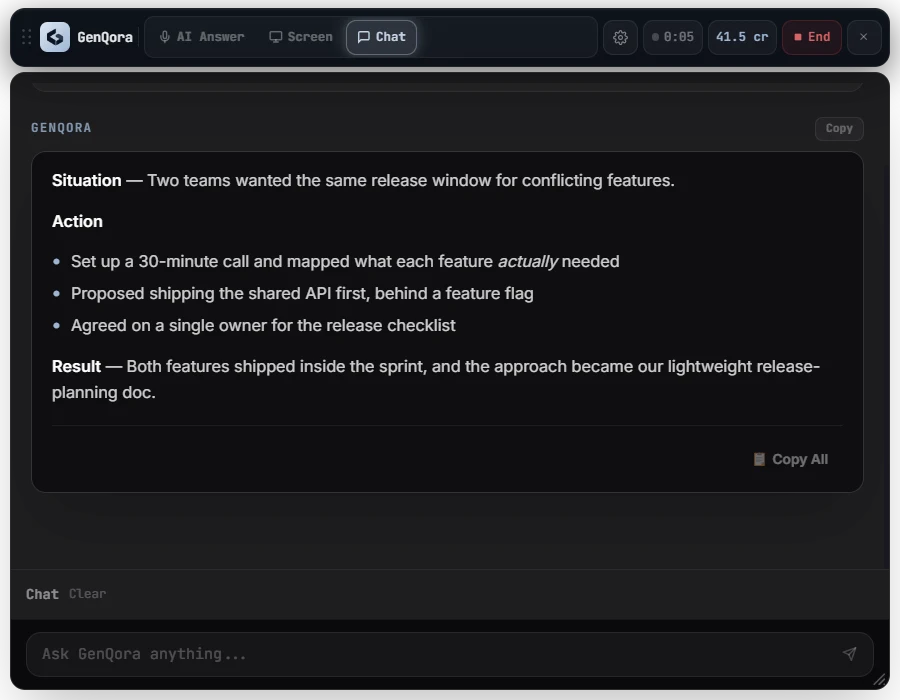
A structured answer before the question ends.
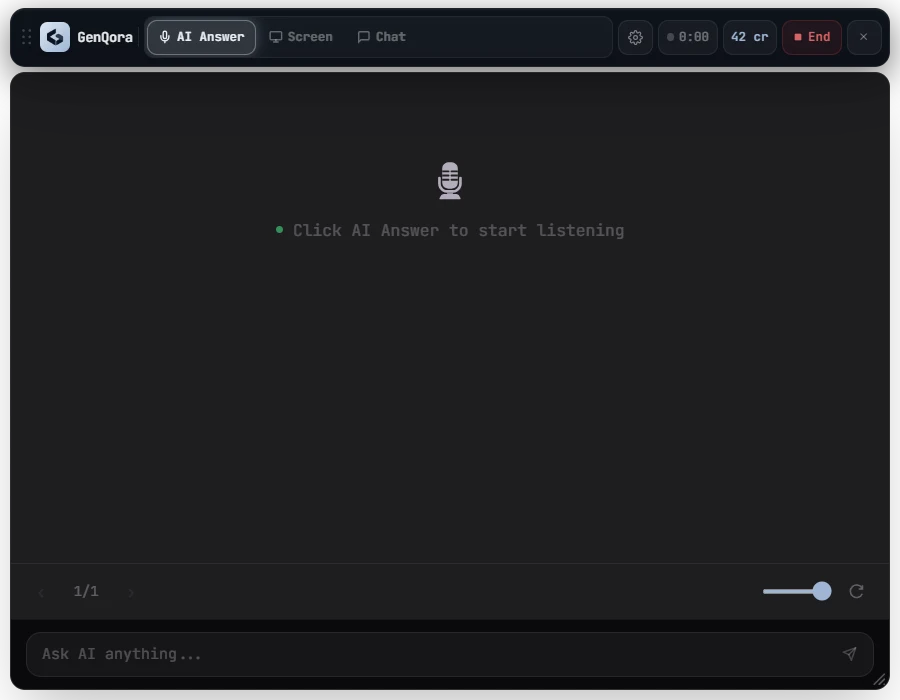
Headline, key points and the detail that proves it, streamed in about 2 seconds.
Your real-time interview copilot
GenQora listens to your interview and drafts structured, accurate answers in real time, so you can stay confident and focused on the conversation.
~0 s
Question to first words
0 min
Live Auto AI per credit
0
Interview languages
$0
To start, no card needed
Works with the meeting apps you already use
How it works
GenQora works quietly in the background, understands the question and gives you a clear, relevant answer in real time.
GenQora hears the interviewer's audio from Zoom, Meet or Teams. Never your mic.
It detects when the question ends and reads it with your resume and the role.
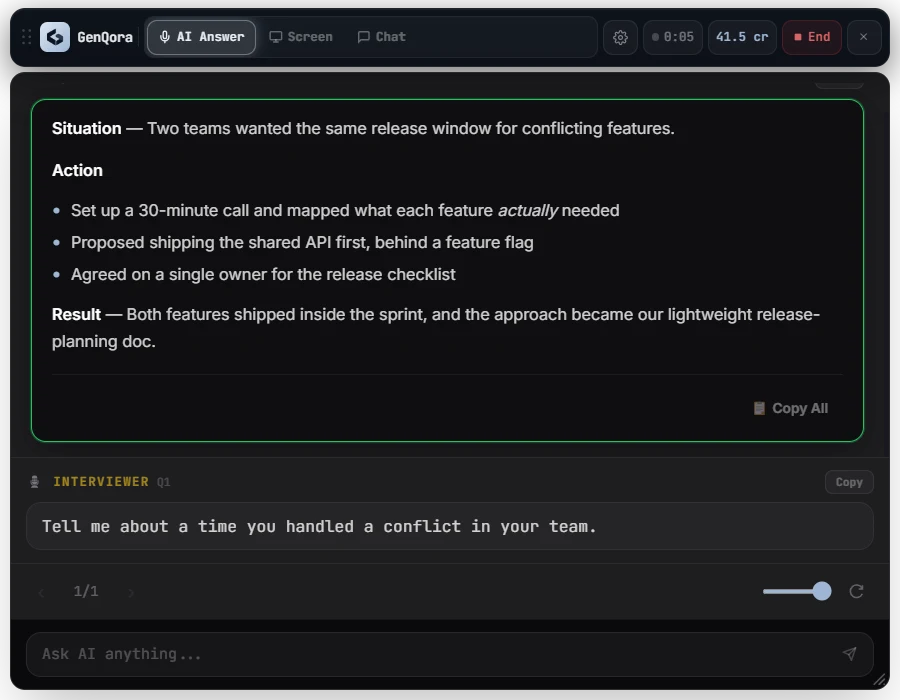
A structured answer streams in about 2 seconds later. Glance, say it your way.
Product walkthrough
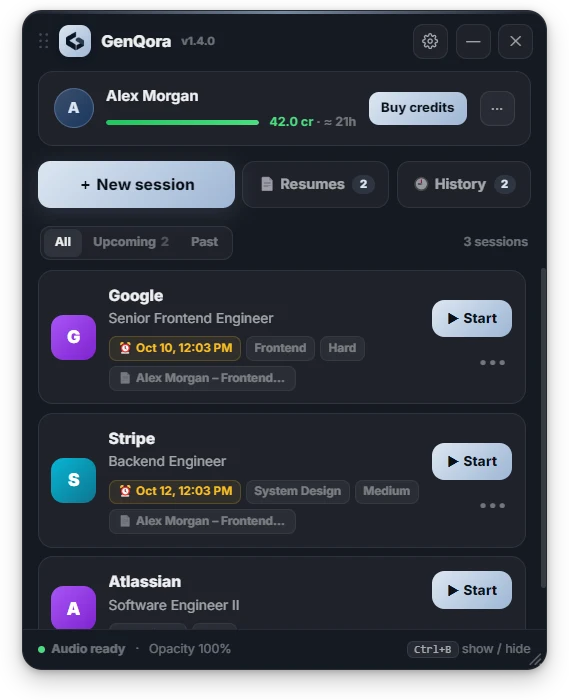
A focused overlay that sits beside your call. It helps you perform your best in technical, behavioural and system design interviews.
Start for free →The answer streams in as the interviewer finishes, with the question underneath.
Features
Headline, key points and the detail that proves it, streamed in about 2 seconds.
Only the interviewer is transcribed, so your own voice never triggers a new answer.
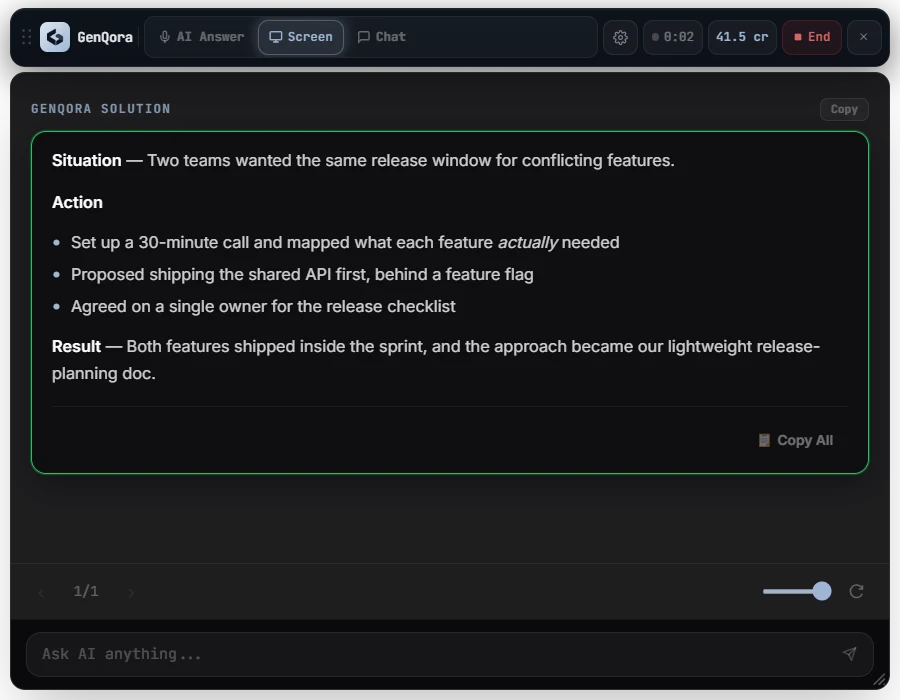
One shortcut grabs the shared screen and returns an approach, complexity and code.
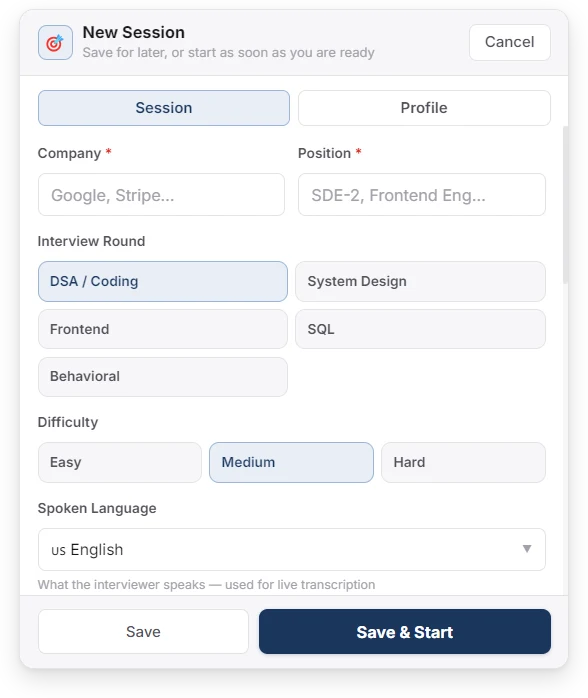
Company, round, difficulty and resume per session, so answers sound like you.
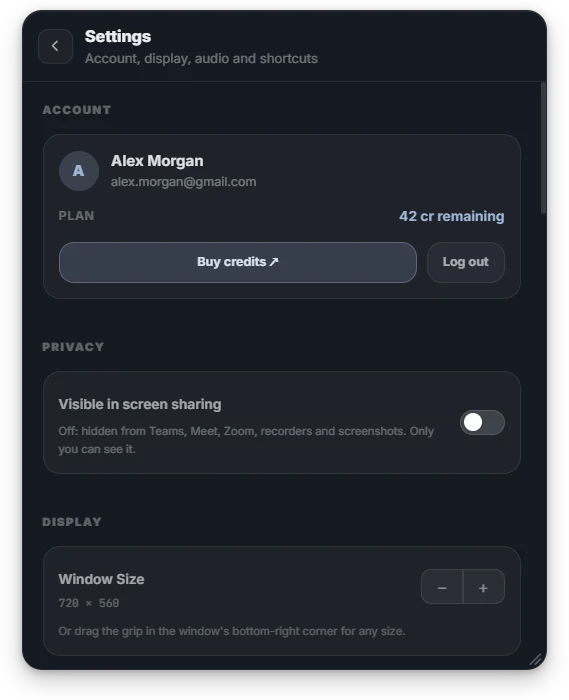
The overlay stays out of screen shares and recordings on Windows.
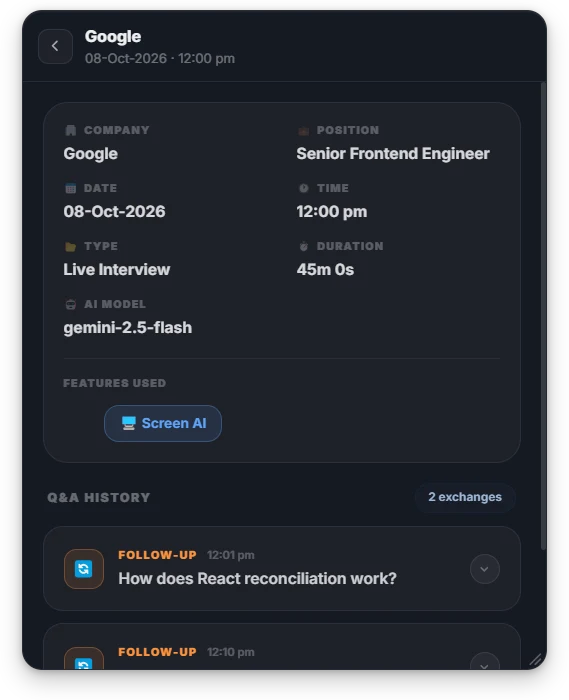
Each session saves its questions and answers, synced to your account.
Use cases
From technical deep dives to HR conversations, GenQora adapts to the interview.
Concepts, trade-offs and the follow-up you didn't expect.
STAR-shaped stories pulled from your own resume.
Components, data flow and scaling points at a glance.
Approach, complexity and key code from a screen capture.
Calm, specific answers to the questions that decide the offer.
Works with Zoom, Google Meet, Teams and Webex audio.
Why GenQora
Built for the real interview, not generic chat.
| Feature | GenQora | Generic AI chat | Manual notes |
|---|---|---|---|
| Hands-free during the call | — | — | |
| Ignores your own voice | — | ||
| First words in about 2 seconds | — | — | |
| Knows your resume and the role | — | ||
| Hidden from screen share | — | ||
| Designed for interviews | — |
Pricing
Every account starts with trial credits. One credit is about 30 minutes of live Auto AI.
$0to start
Trial credits on signup.
$29.99/ month
Or $249.99 billed yearly.
$499once
One payment. No renewals.
Prefer pay-as-you-go? Credit packs start at $9.99 and never expire.
FAQ
Can't find what you need? Sign in and contact support from the dashboard.
One credit covers about 30 minutes of live Auto AI. Credit packs never expire, and Pro and Lifetime don't use credits at all.
No. Sign in with Google and trial credits are added to your account straight away.
No. GenQora transcribes the interviewer's audio only, so you can read an answer out loud without it firing again.
Any app that plays the interviewer through your speakers or headphones, including Zoom, Google Meet, Microsoft Teams and Webex.
On Windows the overlay is excluded from screen shares and recordings. Check it once with a friend before an important call.
Windows 10 and 11 today, as an installer or a portable zip. macOS and Linux builds are on the way.
Yes. Once you sign in with Google, the app keeps you signed in until you log out.
Cards worldwide through Stripe. Credit packs can also be paid with Razorpay in India.
Share your invite link from the dashboard. When a friend redeems it, you both get bonus credits.
Prepare, perform and succeed with GenQora. Trial credits on signup, no card needed.
Windows 10/11 · v1.4.0 · installer for most people, zip if you cannot install
macOS and Linux coming soon